



People keep asking me the same question: “What’s your AI stack?”
Not in a “tell me what tools you use” way. In a “show me what actually works for you” way.
Because here’s the thing: everyone’s trying to figure out their own stack. And one way to do that is to see what someone else uses day-to-day—the tools, the handoffs, the failure modes, the workarounds. Even if my stack doesn’t work for you, seeing how I think about the boundaries helps you think about yours.
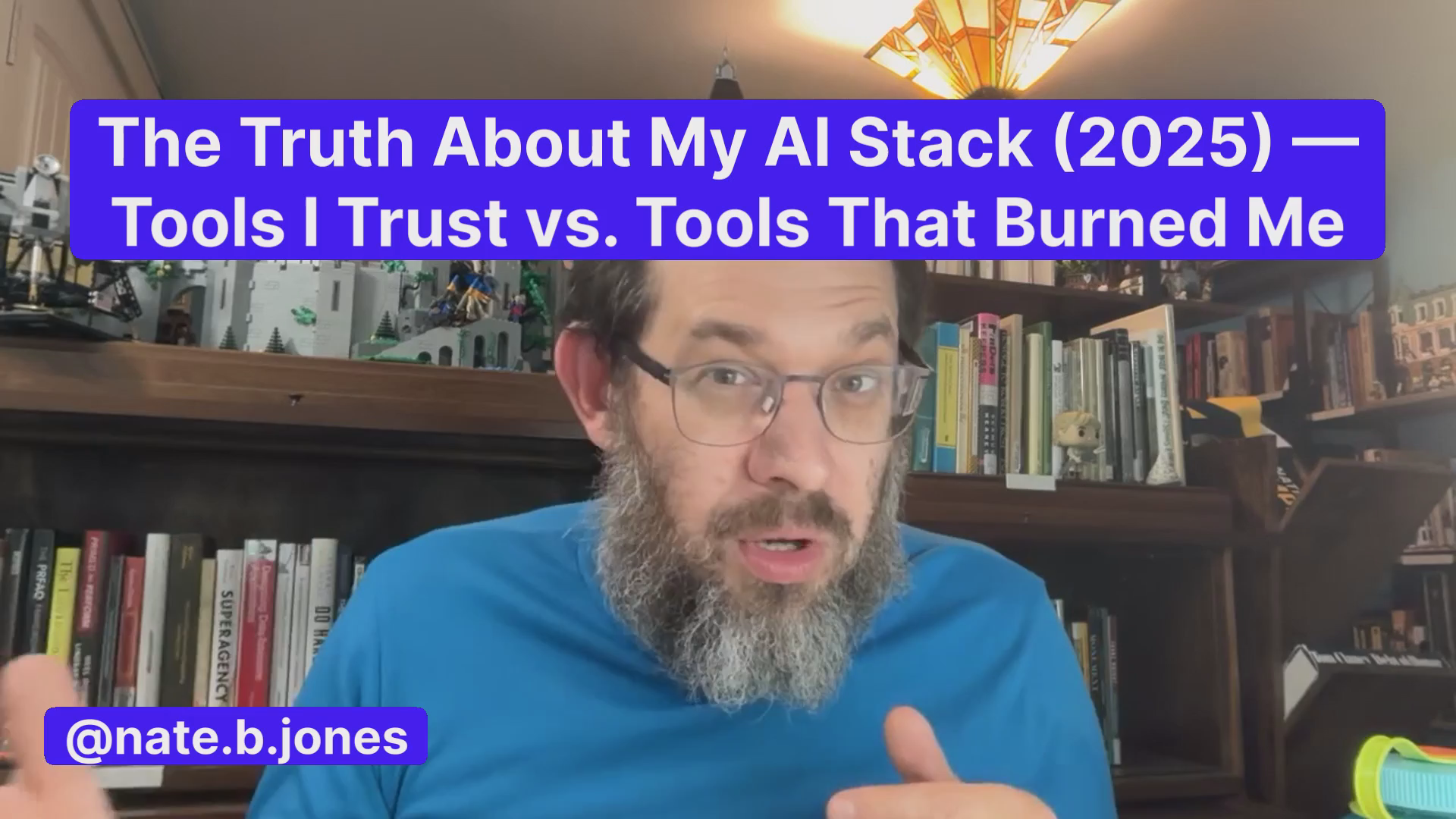
So I recorded a 10-minute walkthrough of my stack—ChatGPT for analysis, Claude Sonnet 4.5 for writing and Excel, Kimi K2 and Claude for PowerPoint, Perplexity for search, Grok for social conversation, Comet and Atlas for agentic browsing, Claude Code and Codex for terminal work. Phew! I get tired writing it out.
But it doesn’t feel exhausting in the moment, it feels like flow.
And that’s what I wanted to capture with the rest of this piece: how do I tackle all those tiny questions in your head about which tool to use when in a way that feels seamless and easy?
So I wrote them down—the ones you’d want to ask me—and I answered them all:
How do you decide where to chunk a deck?
What exactly do you paste when you switch from ChatGPT to Claude?
When you hit a context limit, what do you do differently next time?
How do you separate data from deck creation?
How do you test the boundaries of a new tool?
What do you do when a tool gives you something almost right but not quite?
How do you manage context across multiple tools?
When do you add a new tool versus stick with what works?
What’s the difference between Claude Code and Codex in practice?
This FAQ answers those questions with the real Nate opinions. My actual patterns. Even though they change. Even though they might not work for you. I figure showing my work here will help you figure out how to catch the tiger’s tail.
I’m also Nate, so of course I’m giving you prompts to work with as you start to wrestle with your own stack. Six to be specific:
Tool Evaluation Prompt: which should I pick?
Insight Extraction Prompt: Get what you need and generate clean context
Iterate vs Restart Prompt: When do I dump a context window? (I’d run this in a separate context window)
Deck Chunking Prompt: I’m continuing to evolve this one!
Collaborative Writing Prompt: I think this is crucial
Tool Selection Diagnostic Prompt: For picking the right tool for the right task
My goal is to be really honest about describing what works for me, why it works for me, give you a picture of how you can figure it out for YOU, and then walk you through the top questions I’m getting asked.
Also, I have a bonus section for teams: I know team tool dynamics are a bit different, so I lay out how I think about a stack like mine vs a team stack and what the tradeoffs typically look like.
Last but not least, you get a bonus 12 slide gorgeous presentation on prompting best practices, prepared by Kimi K2—the new best Powerpoint model in the world. It’s a good example of workflow since I used ChatGPT to work on thinking / analyzing for it, and then built a prompt there to pass to Kimi.
Have fun reading about my stack!
Listen to this episode with a 7-day free trial
Subscribe to Nate’s Substack to listen to this post and get 7 days of free access to the full post archives.


